📸 The Magazine For Photographers - Bite Size
Read the Latest Photography News and Updates in the Creative Industry in 3-4 minutes or less ;)
In partnership with


Important note: All photography articles are NOT sponsored
The Latest News:
Lightroom Now Supports Sony's New RAW Format

credits: Sony
Adobe has rolled out Lightroom Classic 15.2.1, and with it comes something a lot of Sony users have been waiting for, expanded RAW support for the Sony A7 V. The update adds compatibility for compressed and compressed HQ RAW files, which Adobe says has been one of the most requested features. Lossless compressed RAW was already supported, so this update basically fills in the missing pieces. Lightroom (CC) is expected to get the same support in its next update, likely in April.
Compressed RAW matters quite a bit for certain types of photography, especially sports, action, and wildlife. These files are smaller than lossless compressed RAW, which means you can fit more photos on a memory card and clear the camera buffer faster during continuous shooting. That can make a real difference when you are dealing with long bursts or shooting thousands of images in a session. The trade-off is some loss in image data, but in most cases it is only noticeable in extreme situations, like very high-contrast scenes or heavy editing.
There are still a few limitations. The official Sony camera profiles do not appear to be available yet in Adobe’s profile browser, so you will need to rely on options like Adobe Colour or custom ICC profiles for now. Outside of that, Adobe continues to push further into AI features across its apps, including the recently introduced text- and voice-based assistant in Photoshop. This update also arrives shortly after Sony’s first firmware update for the A7 V, which addressed a RAW preview issue, so support on both the camera and software side is starting to catch up.
The Latest Canon EOS R7 Mark II Rumours

credits: Canon
New details, rumours and leaks about the upcoming Canon EOS R7 Mark II are making the rounds. At the centre is a 39MP backside-illuminated stacked CMOS APS-C sensor, which lines up closely with earlier rumours of something around 40MP. More importantly, the stacked design is expected to deliver very fast readout speeds, possibly close to (or even faster than) the EOS R5 Mark II. That would mean less rolling shutter and much better performance when shooting fast-moving subjects.
On the processing side, the camera is rumoured to include a DIGIC Accelerator, similar to what Canon uses in its higher-end bodies. That would help support features like burst shooting up to 40 fps with the electronic shutter, with some reports also mentioning pre-capture. Autofocus is also expected to get a serious upgrade, likely building on Dual Pixel CMOS AF with improved subject detection and tracking. Some early talk even suggests it could end up being one of the best autofocus systems in an APS-C camera so far.
The rest of the rumoured specs suggest Canon is addressing some of the limitations of the original R7. The Mark II is expected to feature dual card slots (CFexpress Type B + SD), a larger, more robust body closer to the EOS R6 series, and the newer LP-E6P battery for better performance. There are also hints at a higher-resolution EVF and improved in-body image stabilisation, possibly pushing past 8 stops. Pricing is expected to come in noticeably higher than the original $1,499 launch price, and the current timeline still points to an announcement around late May or early June 2026, with early test units reportedly already out in the field.
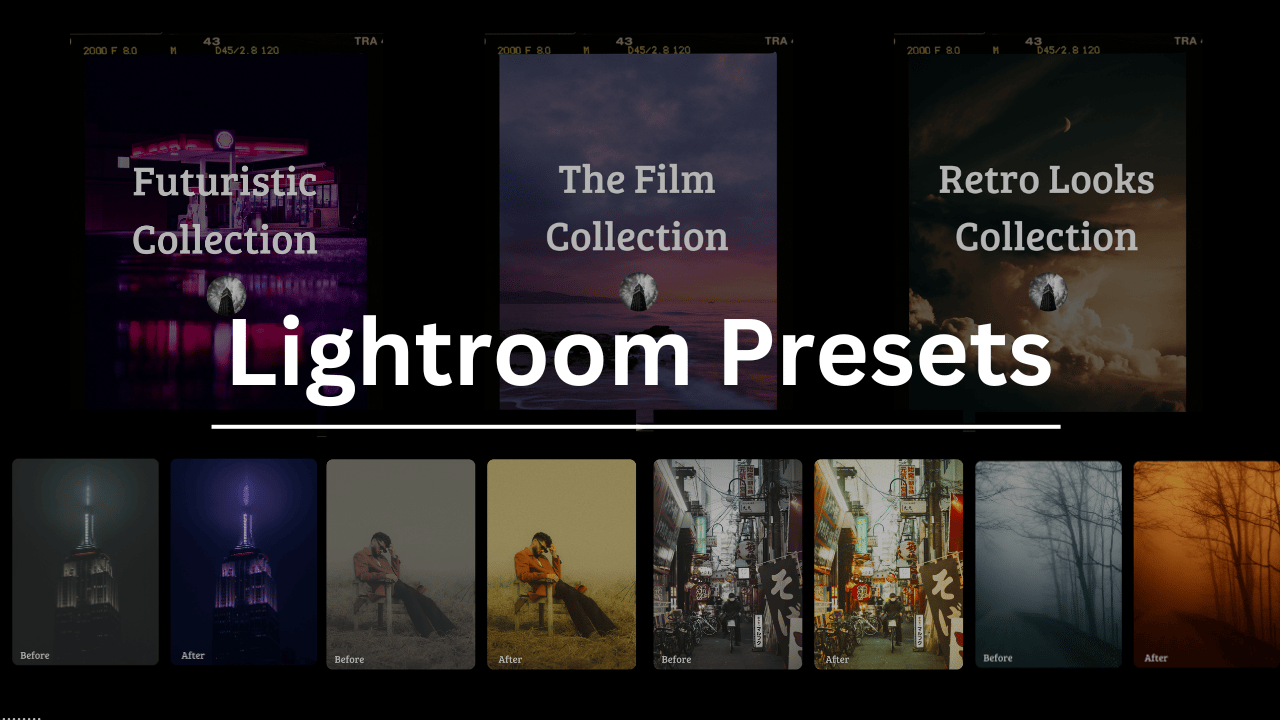
Download The World’s Best Lightroom Presets
Something You Have To Check Out
What do these names have in common?

Arnold Schwarzenegger
Codie Sanchez
Scott Galloway
Colin & Samir
Shaan Puri
Jay Shetty
They all run their businesses on beehiiv. Newsletters, websites, digital products, and more. beehiiv is the only platform you need to take your content business to the next level.
🚨Limited time offer: Get 30% off your first 3 months on beehiiv. Just use code JOIN30 at checkout.
Weekly Photo Technique Exploration
Welcome to a new section of the magazine where every week we will explore a new photography technique from across various photography genres.
This week’s technique: Clamshell Lighting Photography

Skylum

Skylum
What Is Clamshell Lighting?
Clamshell lighting is a two-light setup where one light is placed above your subject and the other below, both aimed toward the face. The top light does most of the work, while the bottom light (or alternatively you can use a reflector) fills in the shadows and evens everything out. What you get is soft, glowing skin, minimal shadows, and a nice sparkle in the eyes (often called catchlights).
Why Use It?
It is very flattering for skin and facial features
Great for beauty, fashion, editorial, headshots
It softens wrinkles and minimises texture, making it very useful for close-up portraits.
You can do it with studio gear or natural light plus a reflector (and even a DIY reflector, more on that down below)
What You Need (Studio version)
One main light (that can be a softbox, ring light, or even a large window)
One fill light or a white reflector
A stand or tripod for the bottom light/reflector
Optionally you can also use a backdrop (if you want the classic ‘clean studio’ look)
How to Set It Up
First, position the Main Light (Key Light)→ Place your softbox, ring light, whatever you are using, about 30–45 degrees above the subject’s eye level and directly in front of them, angled slightly down toward their face.
Add the Fill Light or Reflector Below → Put a second light (or white/silver reflector) just below your subject’s chin, angled up a bit. This bounces light into the shadows under the nose, eyes, and chin. If you are using a reflector, a simple V-flat or a pop-up reflector on a stand works great.
Position the Subject Facing Forward → You want the person looking straight into the space between the two light sources. This gives the iconic glow and balanced those catchlights in both eyes.
Fine-Tune Your Distance → If the fill light is too close, it can flatten things out too much. If it is too far, you might get harsh shadows. So, adjust until you get a nice soft balance.
Natural Light Version (No Studio Gear)
If you do not have studio lights, no worries
Use a large window as your main light (north-facing ones are the best)
Place a white foam board (sort of the DIY/budget version) or reflector just below the person’s face to bounce light back up
That is it. Super simple, and it still works pretty great.
*advertisement (please check it out to support the magazine, it only takes a second and truly helps a lot)
Gray Hair? This Is How You Reduce It Naturally
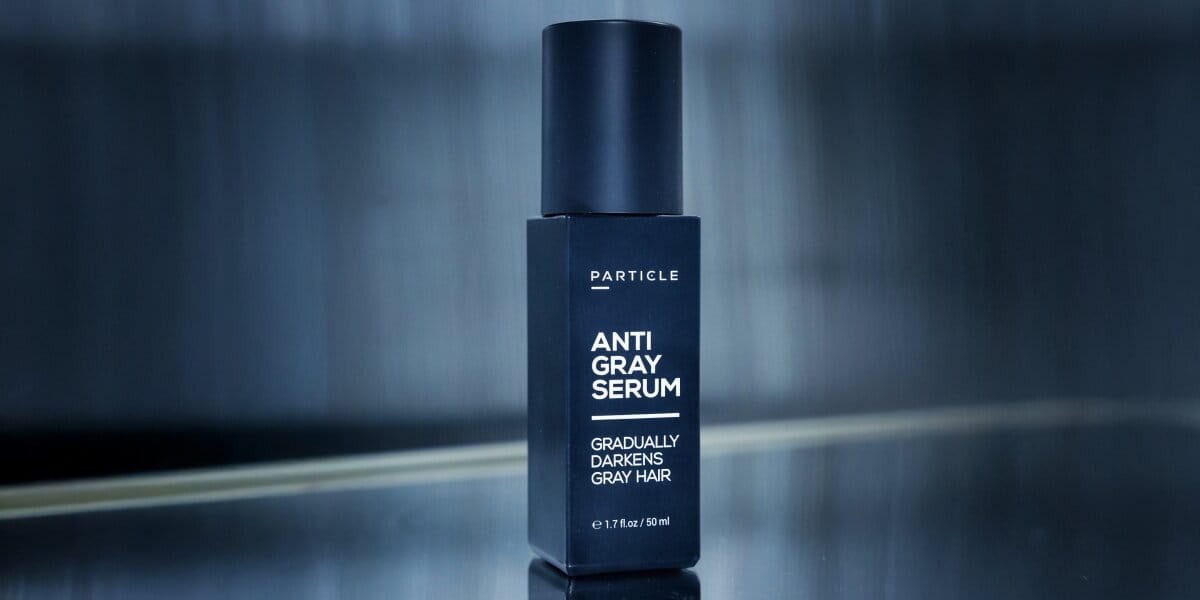
Dye covers gray hair… but leaves you looking dyed. Particle Anti-Gray Serum is the all-natural, non-dye solution for men who want their real color back—gradually and naturally. Just a 5-second daily spray for hair and beard, no mess, no upkeep. Get 20% off + free shipping with code BH20!
The Rest of this Issue is for Premium Subscribers
